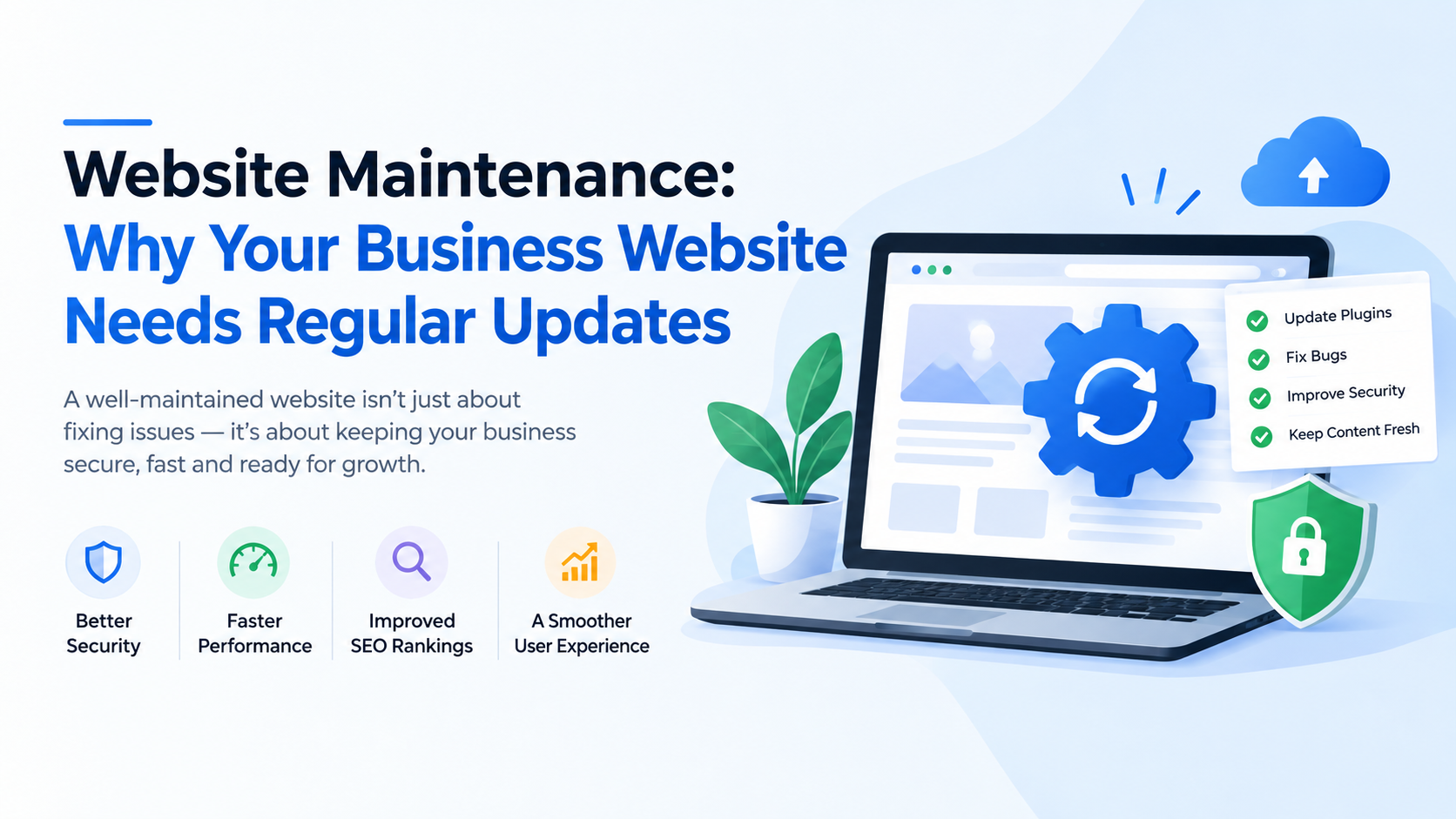
Your website may be working perfectly today—but that doesn't mean it can be left untouched for months or years.
If you're a small business owner, startup founder, service provider, or growing company, your website is often one of your most important business assets. It represents your brand, attracts potential customers, generates leads, provides information, and can even process payments or customer requests.
But just like a physical office, a website needs regular maintenance.
Software becomes outdated. Security vulnerabilities are discovered. Plugins and integrations change. Content becomes old. Search engine requirements evolve. Website performance can gradually decline.
That's why website maintenance should be treated as an ongoing business activity rather than a one-time development task.
What Is Website Maintenance?
Website maintenance is the regular process of checking, updating, securing, improving, and managing a website after it has been launched.
It can include:
-
Software and CMS updates
-
Plugin and extension updates
-
Security monitoring
-
Website backups
-
Bug fixing
-
Performance optimization
-
Content updates
-
Broken-link checking
-
SEO improvements
-
Database maintenance
-
Mobile responsiveness checks
-
Hosting and server monitoring
-
Analytics monitoring
The exact maintenance requirements depend on how your website is built and how your business uses it.
A simple company website may need basic updates and security checks, while an e-commerce platform or custom web application may require much more frequent monitoring.
Why Does Website Maintenance Matter?
Launching a website is only the beginning.
Without regular maintenance, even a professionally designed website can eventually develop problems.
Here are some of the most important reasons businesses should maintain their websites.
1. Protect Your Website From Security Threats
Security is one of the biggest reasons to keep a website updated.
Websites rely on software, frameworks, plugins, libraries, databases, servers, and integrations. Over time, vulnerabilities may be discovered in these technologies.
Developers release security updates and patches to address known problems.
If your website isn't updated, it may continue using outdated software with vulnerabilities.
Regular maintenance can include:
-
Security updates
-
Vulnerability checks
-
Malware monitoring
-
Access-control reviews
-
SSL certificate monitoring
-
Backup verification
-
Software updates
-
Database security checks
For businesses that collect customer information, security should be a priority.
A compromised website can damage more than your website—it can affect customer trust and your brand reputation.
2. Keep Your Website Fast
Website speed has a direct impact on user experience.
Visitors don't want to wait for slow pages to load.
Over time, websites can become slower because of:
-
Large images
-
Unused plugins
-
Excessive scripts
-
Database growth
-
Outdated software
-
Poorly optimized code
-
Too many third-party integrations
-
Server limitations
Regular maintenance helps identify and address these problems.
Performance optimization may include:
-
Image compression
-
Caching
-
Database optimization
-
Code optimization
-
Removing unnecessary plugins
-
Reducing unnecessary scripts
-
Improving server configuration
-
Optimizing page resources
A faster website can create a better experience for visitors and reduce the chances of users leaving before the page loads.
3. Improve Search Engine Performance
SEO isn't something you complete once and forget.
Search engines continuously evolve, and websites need to remain technically healthy.
Regular website maintenance can support SEO by helping businesses identify:
-
Broken links
-
Missing metadata
-
Slow pages
-
Duplicate content
-
Crawl problems
-
Incorrect redirects
-
Mobile usability issues
-
Outdated content
-
Indexing problems
Technical website maintenance and SEO often work together.
For example, if an important page suddenly returns an error, visitors may be unable to access it and search engines may have difficulty accessing it as well.
Regular checks can help identify these problems early.
4. Keep Your Content Up to Date
Imagine visiting a business website and seeing:
"Our latest offer ends in 2024."
If it is now 2026, what impression does that create?
Outdated information can make a business appear inactive or unreliable.
Businesses should regularly review:
-
Services
-
Pricing
-
Contact information
-
Phone numbers
-
Addresses
-
Team information
-
Product information
-
Offers
-
Testimonials
-
Portfolio projects
-
Company announcements
-
Blog posts
Your website should reflect the current state of your business.
Fresh and accurate content can also give customers more confidence when deciding whether to contact you.
5. Prevent Broken Links and Errors
Websites change constantly.
Pages are removed. URLs are changed. Products are discontinued. External websites move their content.
These changes can create broken links.
For example:
Your Service Page → Old Pricing Page → 404 Error
A visitor who encounters several broken links may leave the website.
Regular maintenance should include checking important links and identifying common errors such as:
-
404 errors
-
Broken internal links
-
Broken external links
-
Incorrect redirects
-
Missing pages
-
Form errors
-
Image loading problems
Fixing these issues helps maintain a professional user experience.
6. Make Sure Your Website Works on Mobile Devices
A large percentage of website traffic comes from smartphones.
Your website needs to work properly across:
-
Smartphones
-
Tablets
-
Laptops
-
Desktop computers
A website that looks good on a desktop but is difficult to use on a phone can lose potential customers.
Regular maintenance should test:
-
Navigation
-
Buttons
-
Forms
-
Menus
-
Images
-
Text readability
-
Page layouts
-
Checkout processes
-
Contact forms
Mobile testing becomes especially important after major website updates.
7. Keep Plugins and Integrations Working
Modern websites rarely operate alone.
A business website might connect with:
-
Payment gateways
-
CRM systems
-
Email platforms
-
WhatsApp
-
Analytics tools
-
Social media
-
Accounting software
-
Shipping services
-
Marketing platforms
-
Third-party APIs
When one connected system changes, your website may need an update.
For example, an API change could cause a form submission, payment process, or automated notification to stop working.
Regular maintenance helps identify integration problems before they become major business disruptions.
8. Protect Your Business With Regular Backups
A backup is one of the most important parts of website maintenance.
Imagine spending years building your website and suddenly losing:
-
Customer information
-
Blog content
-
Product data
-
Images
-
Orders
-
Website configuration
-
Custom development work
Without a reliable backup, recovering from a major problem can be extremely difficult.
A proper backup strategy can include:
Website files + Database + Configuration + Off-site backup
Backups should also be tested periodically.
A backup that has never been tested may not be useful when you actually need it.
9. Improve User Experience
Website maintenance isn't only about fixing technical problems.
It's also an opportunity to improve the experience for your visitors.
You can analyze how people use your website and identify areas that need improvement.
For example:
-
Are visitors finding your services easily?
-
Are contact forms too complicated?
-
Is the navigation confusing?
-
Are important buttons difficult to find?
-
Are users abandoning the checkout process?
-
Are important pages receiving little engagement?
Small improvements can make a meaningful difference.
Website maintenance can therefore become part of your broader website improvement strategy.
10. Maintain Your Brand Image
Your website is often the first place potential customers interact with your company.
An outdated website can create the wrong impression.
For example, imagine a company offering modern software solutions but having:
-
Outdated design
-
Broken links
-
Old information
-
Slow pages
-
Poor mobile experience
-
Expired offers
-
Missing services
Customers may question the company's professionalism.
A well-maintained website communicates something very different:
Active. Professional. Reliable. Trustworthy.
Your website should represent the quality of your business.
What Does a Website Maintenance Checklist Include?
A practical website maintenance checklist can include the following.
Maintenance Task Recommended Action Security updates Check regularly Website backups Perform regularly Software updates Keep current Plugins/extensions Update and remove unused ones Broken links Check periodically Website speed Monitor and optimize Forms Test regularly Mobile compatibility Test after major updates SSL certificate Monitor expiration Content Review and update SEO Monitor technical issues Analytics Review performance Database Optimize when required Integrations Check after third-party changes
The frequency depends on the website's complexity and business requirements.
How Often Should a Website Be Maintained?
There isn't one maintenance schedule that works for every website.
A simple informational website may need routine checks on a monthly basis, while an e-commerce platform, SaaS application, or custom business system may require much more frequent monitoring.
A practical approach is to divide maintenance into different levels.
Daily or Automated Monitoring
Depending on the website:
-
Uptime monitoring
-
Security monitoring
-
Automated backups
-
Critical error monitoring
Weekly Checks
-
Website functionality
-
Forms
-
Orders or inquiries
-
Important integrations
-
Security alerts
Monthly Maintenance
-
Software updates
-
Plugin updates
-
Broken-link checks
-
Performance review
-
Content review
-
Analytics review
-
SEO checks
Quarterly Reviews
-
Website performance
-
UX improvements
-
Security review
-
Conversion performance
-
Content strategy
-
Technology requirements
This creates a proactive maintenance strategy rather than waiting for something to break.
What Happens If You Don't Maintain Your Website?
Ignoring website maintenance can create several problems.
Security Problems
Outdated software can increase security risks.
Slow Performance
Unoptimized websites can gradually become slower.
Broken Functionality
Plugins, integrations, APIs, and forms can stop working.
Poor User Experience
Visitors may encounter errors, outdated information, or confusing navigation.
SEO Problems
Technical errors can negatively affect search visibility and website accessibility.
Data Loss
Without reliable backups, recovering from a serious problem can become difficult.
Higher Repair Costs
Small problems are usually easier to fix than major failures.
That's why preventative maintenance is often better than emergency repair.
Website Maintenance vs Website Redesign
These two services are related but different.
Website maintenance keeps an existing website healthy and up to date.
Website redesign involves making significant changes to the website's design, structure, functionality, or technology.
For example:
Maintenance
-
Update software
-
Fix broken links
-
Improve page speed
-
Update content
-
Fix bugs
-
Monitor security
Redesign
-
New visual design
-
New website structure
-
New navigation
-
New features
-
New technology
-
Major UX improvements
A website may require maintenance for years before a complete redesign becomes necessary.
Should You Handle Website Maintenance Yourself?
It depends on your website and your technical expertise.
For a small website with a simple CMS, a business owner may be able to handle basic content updates.
However, professional maintenance may be more appropriate when your website includes:
-
Customer accounts
-
Online payments
-
E-commerce
-
Custom software
-
APIs
-
Databases
-
CRM integrations
-
Business automation
-
Sensitive customer information
-
Complex server infrastructure
In these situations, technical mistakes can potentially cause downtime, data loss, or security problems.
Having a professional website maintenance team can give business owners greater peace of mind.
How Professional Website Maintenance Saves Businesses Time
Imagine your website suddenly stops accepting contact-form submissions.
Without maintenance support, you may need to:
-
Identify the problem
-
Check the server
-
Review logs
-
Check plugins
-
Test integrations
-
Investigate recent updates
-
Fix the issue
-
Test the website again
For a business owner, this can consume valuable time.
With professional website maintenance, technical monitoring and troubleshooting can be handled by a development team.
This allows you to focus on running the business.
Why Website Maintenance Is an Investment, Not an Expense
It's easy to think of website maintenance as an unnecessary recurring cost.
But your website is a business asset.
If it generates leads, receives orders, supports customers, showcases services, or represents your brand, keeping it operational has business value.
Regular maintenance can help prevent expensive problems while keeping the website effective.
Think of it like maintaining a company vehicle.
You don't wait until the engine fails before checking it.
You maintain it regularly to reduce the likelihood of major problems.
Your website deserves the same approach.
How Tamada IT Services Can Help
At Tamada IT Services, we help businesses keep their websites secure, updated, fast, and reliable.
Our website maintenance and development support can include:
-
Website updates
-
Security maintenance
-
Bug fixing
-
Performance optimization
-
Backup management
-
Website monitoring
-
Content updates
-
SEO-related technical improvements
-
API and third-party integration support
-
Database maintenance
-
Custom website development
-
Web application support
Whether you have a WordPress website, custom website, e-commerce platform, or web application, regular technical maintenance can help protect your investment.
If your website hasn't been updated or reviewed recently, now is a good time to check its security, performance, content, and functionality.
A website shouldn't simply be online. It should continue working for your business.
Final Thoughts
Building a website is an important milestone, but maintaining it is what keeps it useful over the long term.
Regular website maintenance helps businesses protect their websites, improve security, maintain performance, fix technical problems, support SEO, keep information accurate, and provide a better customer experience.
Don't wait until your website crashes, gets hacked, becomes extremely slow, or starts losing leads.
Make maintenance part of your regular business strategy.
Build it. Maintain it. Improve it. Keep it working for your business.
Frequently Asked Questions
What is website maintenance?
Website maintenance is the ongoing process of updating, monitoring, securing, optimizing, and improving a website after it has been launched.
Is website maintenance really necessary?
Yes. Regular maintenance helps keep websites secure, functional, fast, updated, and compatible with modern technologies.
How often should a business website be updated?
The required frequency depends on the website. Security monitoring and backups may need to happen frequently, while content, SEO, performance, and software reviews can follow weekly, monthly, or quarterly schedules.
Does website maintenance improve SEO?
It can support SEO by helping identify technical problems such as broken links, slow pages, indexing issues, outdated content, mobile problems, and incorrect redirects.
How much does website maintenance cost?
Website maintenance costs depend on the website's technology, size, features, integrations, traffic, security requirements, and level of support required. A simple business website generally requires less maintenance than an e-commerce platform or custom web application.
Can website maintenance prevent hacking?
No maintenance plan can guarantee that a website will never be attacked. However, keeping software updated, monitoring security, using strong access controls, maintaining backups, and addressing vulnerabilities can significantly improve a website's security posture.
Should I hire a website maintenance company?
If your website is important to your business or includes custom functionality, payments, customer accounts, APIs, databases, or other complex systems, professional maintenance can help reduce technical risks and save your team time.