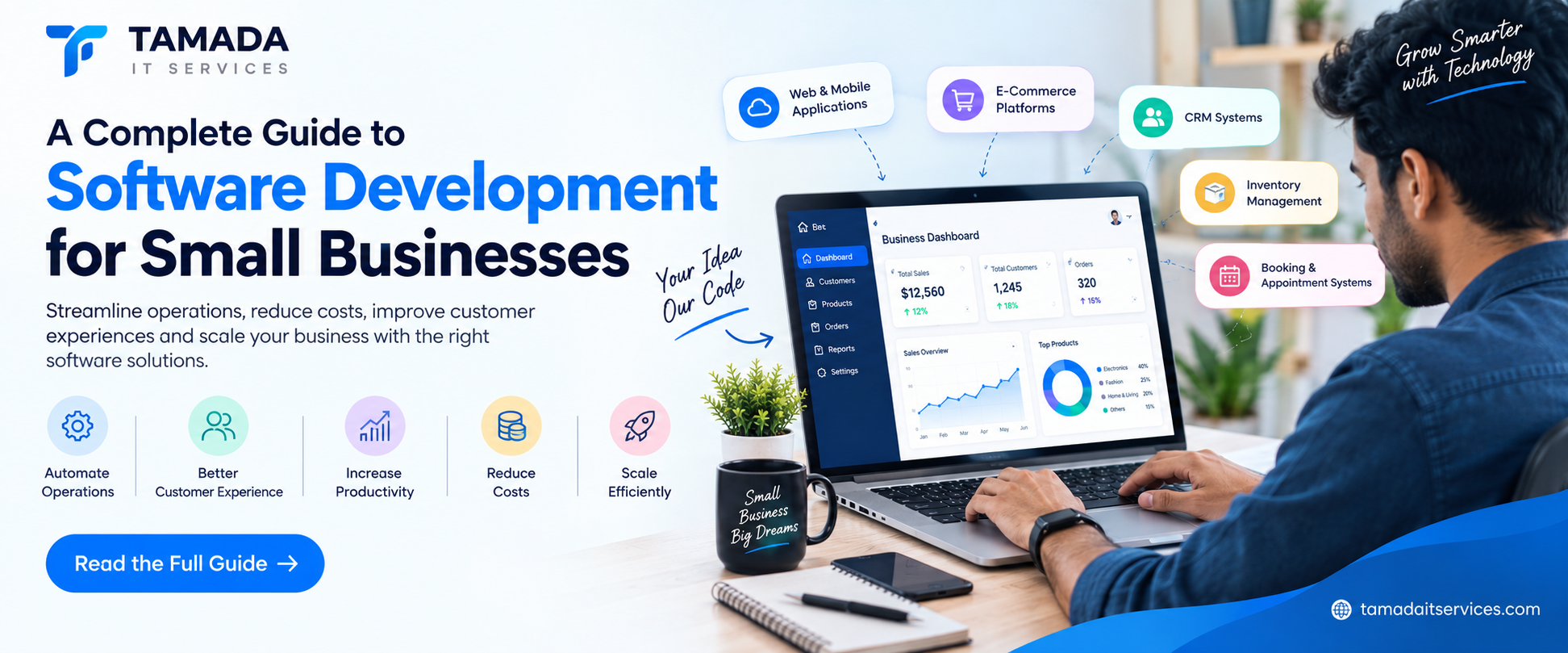
In today's digital business environment, technology is no longer limited to large corporations. Small businesses are increasingly using software solutions to manage operations, automate repetitive tasks, improve customer experiences, and compete more effectively.
From customer management systems and e-commerce platforms to inventory management and mobile applications, the right software can significantly improve the way a small business operates.
However, many business owners have important questions:
- Does my small business really need custom software?
- What type of software should I develop?
- How much does software development cost?
- Should I choose ready-made software or a custom solution?
- How do I select the right software development company?
This complete guide will help small business owners understand the software development process and make better technology decisions.
What Is Software Development for Small Businesses?
Software development is the process of designing, building, testing, and maintaining software applications that solve specific business problems.
For small businesses, software can be developed to manage various activities, including:
- Customer relationships
- Sales and marketing
- Employee management
- Inventory
- Billing and invoicing
- Project management
- Online orders
- Customer support
The primary goal is to use technology to make business operations faster, simpler, and more efficient.
A software solution can be a:
- Web application
- Mobile application
- CRM system
- E-commerce platform
- ERP system
- Inventory management system
- Booking platform
- Custom business management software
Small businesses often start by managing operations using spreadsheets, emails, notebooks, and multiple software applications.
While these methods may work initially, managing a growing business becomes increasingly difficult.
Software development can help solve these challenges.
1. Automating Repetitive Tasks
Many businesses spend hours completing repetitive tasks manually.
For example:
- Sending customer emails
- Creating invoices
- Updating inventory
- Managing employee attendance
- Following up with leads
- Generating reports
Custom software can automate these tasks.
Example
Instead of manually sending invoices to customers, a software system can automatically generate and send invoices after an order is completed.
This saves time and reduces human errors.
2. Improving Business Productivity
When employees spend less time on repetitive administrative work, they can focus on more important activities.
Software can help employees:
- Complete tasks faster
- Access information easily
- Collaborate with team members
- Track business activities
- Reduce manual data entry
As a result, businesses can improve productivity without necessarily increasing their workforce.
3. Better Customer Management
Customers are one of the most valuable assets of any business.
Software such as a Customer Relationship Management (CRM) system can help businesses manage customer interactions more effectively.
A CRM system can store:
- Customer contact information
- Purchase history
- Communication records
- Support requests
- Sales opportunities
- Follow-up schedules
This allows businesses to provide better and more personalized customer experiences.
4. Reducing Operational Costs
Although software development requires an initial investment, it can reduce long-term operational costs.
Automation can reduce:
- Manual work
- Data entry errors
- Paperwork
- Employee workload
- Time spent on administrative tasks
Over time, businesses can achieve greater efficiency and cost savings.
Types of Software Small Businesses Can DevelopThe type of software you need depends on your business model and operational requirements.
Here are some of the most popular software solutions for small businesses.
1. Custom CRM Software
A CRM system helps businesses manage customers, leads, and sales.
Key features may include:
- Customer management
- Lead tracking
- Sales pipeline
- Follow-up reminders
- Email integration
- Sales reports
CRM software is particularly useful for businesses with sales teams or large customer databases.
2. E-Commerce Websites
Businesses selling products can develop an e-commerce website.
An e-commerce platform may include:
- Product catalog
- Shopping cart
- Secure payments
- Order management
- Customer accounts
- Inventory management
- Delivery tracking
Having your own e-commerce website gives your business greater control over your online sales.
3. Mobile Applications
Mobile apps can help businesses connect directly with customers.
Small businesses can develop apps for:
- Online shopping
- Food delivery
- Appointment booking
- Service requests
- Loyalty programs
- Customer support
A mobile application can improve convenience and customer engagement.
4. Inventory Management Software
Businesses selling physical products need to manage inventory efficiently.
Inventory management software can help track:
- Available products
- Stock levels
- Product movement
- Supplier information
- Purchase orders
- Low-stock alerts
This helps businesses avoid overstocking or running out of important products.
5. Booking and Appointment Software
Businesses such as salons, clinics, consultants, fitness centers, and service providers can benefit from booking software.
Key features can include:
- Online appointment booking
- Calendar management
- Customer notifications
- Payment integration
- Appointment reminders
This reduces manual scheduling and improves the customer experience.
6. Employee Management Software
Small businesses can also develop systems to manage employees.
Features may include:
- Attendance tracking
- Leave management
- Employee records
- Payroll integration
- Task management
This helps business owners manage their teams more efficiently.
Custom Software vs Ready-Made SoftwareOne of the most important decisions for a small business is whether to use ready-made software or develop a custom solution.
When Should You Choose Ready-Made Software?
Ready-made software may be suitable when:
- Your business requirements are simple.
- You need a solution quickly.
- Your budget is limited.
- Existing software meets most of your requirements.
When Should You Choose Custom Software?
Custom software is a better option when:
- Your business has unique processes.
- You require specific features.
- You need integration with existing systems.
- Your business is growing rapidly.
- Existing software does not meet your requirements.
Understanding the software development process can help businesses plan their projects effectively.
Step 1: Identify Your Business Problems
Before developing software, identify the problems you want to solve.
Ask questions such as:
- Which tasks take the most time?
- Which processes are manual?
- Where do employees experience difficulties?
- What information is difficult to manage?
- What problems do customers face?
The answers will help define the purpose of your software.
Step 2: Define Your Requirements
After identifying the problem, create a list of software requirements.
For example, an e-commerce business may need:
- Customer registration
- Product management
- Shopping cart
- Payment gateway
- Order tracking
- Admin dashboard
Clearly defining requirements helps prevent unnecessary development costs.
Step 3: Choose the Right Technology
The technology used depends on the type of software being developed.
Popular technologies include:
Frontend Development
- React
- Flutter
- Angular
- Vue.js
Backend Development
- Laravel
- Node.js
- Python
- .NET
Database Technologies
- MySQL
- PostgreSQL
- MongoDB
The right technology should be selected based on scalability, security, performance, and future requirements.
Step 4: UI and UX Design
A good software solution should be easy to use.
During the design stage, developers create:
- User interface designs
- Navigation systems
- Dashboards
- Mobile screens
- User workflows
Good UI and UX design can improve employee productivity and customer satisfaction.
Step 5: Software Development
During this stage, developers begin building the software.
The development process may include:
- Frontend development
- Backend development
- Database development
- API development
- Third-party integrations
Modern development teams often use an Agile development approach, where software is built and improved in multiple stages.
Step 6: Testing and Quality Assurance
Before launching the software, it must be tested carefully.
Testing may include:
- Functionality testing
- Security testing
- Performance testing
- Mobile responsiveness testing
- User testing
Testing helps identify problems before the software is released.
Step 7: Software Deployment
Once the software is ready, it is deployed to a server or cloud platform.
The deployment process may include:
- Server configuration
- Database setup
- Domain configuration
- Security setup
- Performance optimization
After deployment, users can begin using the software.
Step 8: Maintenance and Updates
Software development does not end after launching the application.
Businesses may need:
- Bug fixes
- Security updates
- New features
- Performance improvements
- Technology upgrades
Regular maintenance helps ensure that the software continues to perform effectively.
How Much Does Software Development Cost for Small Businesses?The cost of software development depends on several factors.
These include:
- Project complexity
- Number of features
- Technology used
- Web or mobile platform
- Third-party integrations
- Design requirements
- Development timeline
A simple business management application may require less investment than a large e-commerce or ERP system.
Start With an MVP
For small businesses, developing an MVP (Minimum Viable Product) can be a smart strategy.
An MVP includes only the most important features required to launch the software.
For example:
Phase 1
- Customer management
- User login
- Basic dashboard
Phase 2
- Automation
- Advanced reporting
- Third-party integrations
Phase 3
- Mobile application
- AI features
- Advanced analytics
This approach helps businesses manage development costs while gradually improving their software.
Important Features Every Business Software Should HaveWhile features depend on the business, most modern software solutions should consider including the following.
User Authentication
Secure login systems protect business information.
Features may include:
- Email login
- Password protection
- Two-factor authentication
- Role-based access
Role-Based Access
Different employees may require different access levels.
For example:
- Administrator
- Manager
- Sales employee
- Customer support
- Employee
Role-based permissions help protect sensitive information.
Reporting and Analytics
Reports help business owners understand performance.
Software can provide reports related to:
- Sales
- Revenue
- Customers
- Employee performance
- Inventory
These insights help businesses make better decisions.
Mobile Accessibility
Business owners and employees often need access to information while traveling.
Responsive web applications or mobile apps allow users to access business systems from anywhere.
Data Security
Business software should protect sensitive information.
Important security features include:
- Data encryption
- Secure authentication
- Regular backups
- Access controls
- Security monitoring
1. Developing Too Many Features Initially
Businesses should focus on solving their most important problems first.
Starting with too many features can increase:
- Development costs
- Project timelines
- Complexity
Start with essential features and add more functionality later.
2. Choosing Technology Without Planning
Technology should be selected based on business requirements.
Businesses should consider:
- Future growth
- Integration requirements
- Security
- Performance
3. Ignoring User Experience
Even powerful software can fail if employees or customers find it difficult to use.
Simple navigation and user-friendly design are essential.
4. Ignoring Security
Small businesses are also targets for cyber threats.
Security should be included during the development process rather than added later.
5. Not Planning for Future Growth
Businesses should choose software solutions that can grow with them.
A scalable system can support:
- More users
- More customers
- Additional features
- New business locations
Working with an experienced software development company can help businesses transform their ideas into reliable digital solutions.
A professional development team can provide:
- Business requirement analysis
- Software architecture
- UI and UX design
- Web development
- Mobile app development
- Backend development
- Testing
- Deployment
- Ongoing support
Instead of managing multiple freelancers or vendors, businesses can work with a dedicated technology partner.
How Tamada IT Services Can Help Small BusinessesAt Tamada IT Services, we help small and growing businesses develop technology solutions based on their specific requirements.
Our services can include:
- Custom software development
- Web application development
- Mobile app development
- CRM development
- E-commerce development
- Business automation
- API development and integration
- Software maintenance and support
We understand that every business is different. Our goal is to develop scalable, secure, and user-friendly software solutions that help businesses improve operations and achieve growth.
Final ThoughtsSoftware development is no longer something only large companies need. Small businesses can use technology to automate operations, improve productivity, manage customers, and create better experiences.
The key is to start by identifying your business challenges and choosing the right software solution.
Whether you need a CRM system, e-commerce platform, mobile app, or complete business management software, investing in the right technology can help your business become more efficient and competitive.
Starting with essential features and building gradually allows small businesses to manage costs while creating a scalable foundation for future growth.
Ready to Build Software for Your Business?
Tamada IT Services can help transform your business idea into a powerful digital solution.
From planning and design to development and deployment, our team can help you build software tailored to your business requirements.
Contact Tamada IT Services today and take the next step toward digital transformation.
Frequently Asked Questions (FAQs)1. Does a small business need custom software?
Not every small business needs custom software. However, custom software can be beneficial when existing solutions do not meet specific business requirements or workflows.
2. What type of software is best for small businesses?
The best software depends on the business. Common solutions include CRM systems, inventory management software, e-commerce platforms, booking systems, and employee management software.
3. How long does it take to develop custom business software?
The development timeline depends on the complexity and features of the software. Simple applications can take less time, while complex platforms require longer development and testing cycles.
4. Is custom software expensive for small businesses?
The cost depends on the project requirements. Small businesses can reduce initial costs by starting with an MVP and adding features gradually.
5. Can custom software grow with my business?
Yes. Custom software can be designed with scalability in mind, allowing businesses to add users, features, integrations, and new functionality as they grow.