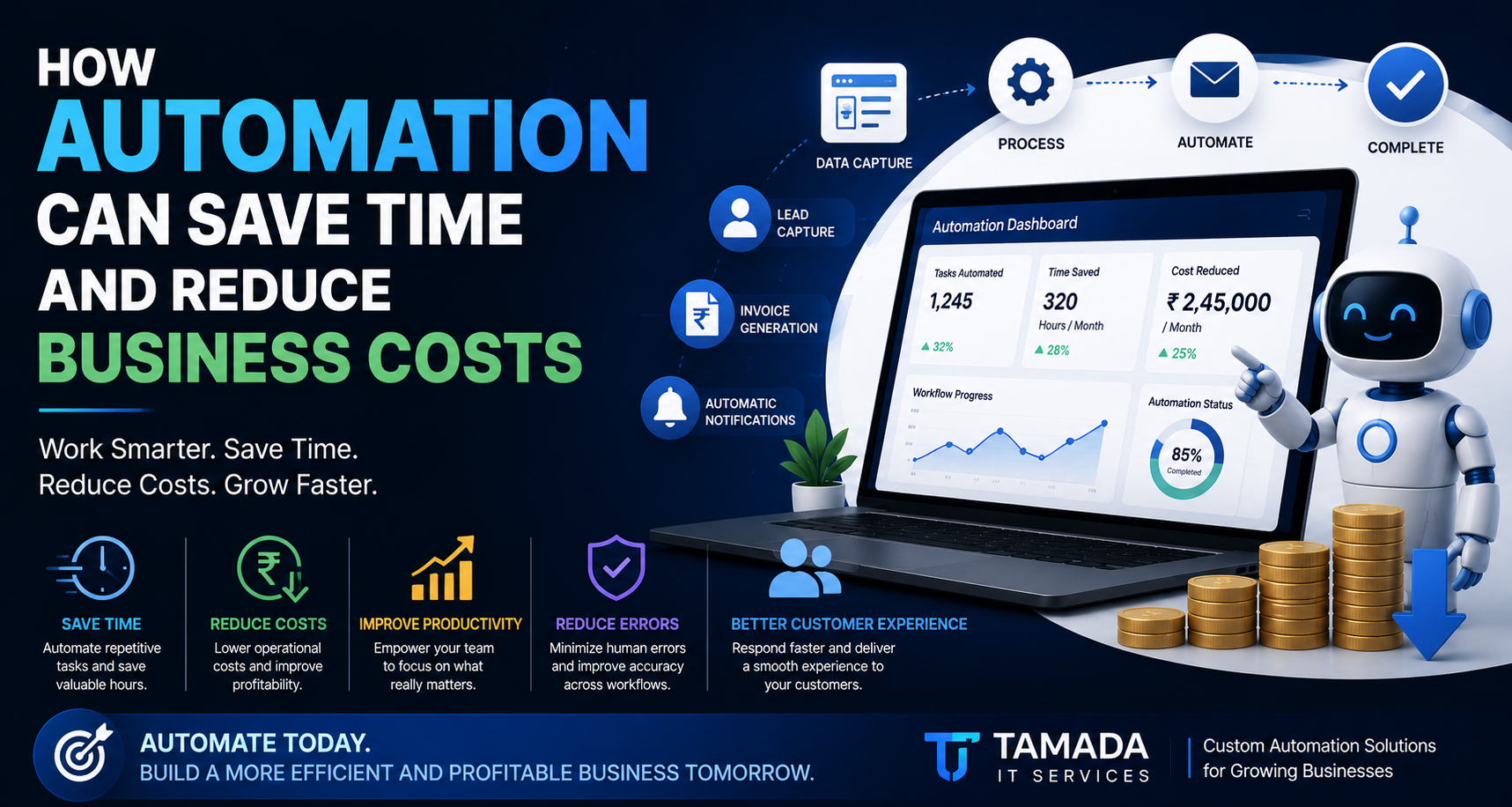
Running a business involves hundreds of tasks every day.
Employees send emails, update spreadsheets, create invoices, follow up with customers, generate reports, process orders, enter data and communicate with different departments.
Many of these tasks are necessary—but they don't necessarily need to be done manually.
Business automation can help companies reduce repetitive work, save valuable time, minimize errors and control operational costs.
Automation is no longer limited to large enterprises. Small and medium-sized businesses can also use automation to streamline daily operations and allow employees to focus on work that requires human judgment and creativity.
In this guide, we'll explain how business automation works, what processes you can automate, how automation can reduce costs, and how businesses can start implementing automation effectively.
What Is Business Automation?
Business automation is the use of software, technology and predefined workflows to perform repetitive business tasks with minimal manual intervention.
Instead of an employee performing the same task repeatedly, software can perform the task automatically based on predefined rules.
For example:
Without automation:
Customer submits enquiry → Employee checks email → Employee enters customer details → Employee sends response → Employee creates follow-up reminder.
With automation:
Customer submits enquiry → System records customer → Automatic confirmation is sent → Sales team is notified → Follow-up task is created automatically.
The result is a faster and more consistent process.
Why Is Business Automation Important?Businesses lose a significant amount of time on repetitive administrative work.
Employees may spend hours every week:
-
Entering data
-
Creating reports
-
Sending routine emails
-
Updating spreadsheets
-
Following up with customers
-
Generating invoices
-
Checking payment status
-
Assigning tasks
-
Updating records
-
Moving information between systems
Individually, these tasks may seem small.
But when repeated hundreds or thousands of times, they can consume a considerable amount of working time.
Automation allows businesses to reduce this repetitive workload.
1. Automation Saves Employee TimeTime is one of the most valuable resources in any business.
Imagine an employee spends two hours every day performing repetitive administrative tasks.
That's approximately:
2 hours × 25 working days = 50 hours per month.
Over a year, that can represent hundreds of hours spent on repetitive work.
If part of this process can be automated, employees can use that time for more valuable activities.
They can focus on:
-
Customer relationships
-
Sales
-
Strategy
-
Problem solving
-
Product development
-
Business development
-
Creative work
Automation doesn't necessarily mean replacing employees.
In many cases, it means helping employees spend less time on repetitive tasks and more time on meaningful work.
2. Automation Can Reduce Operational CostsReducing costs doesn't always mean reducing employee numbers.
Businesses can reduce costs by improving how existing resources are used.
Automation can reduce the amount of time employees spend on repetitive processes.
For example, if an employee spends 20 hours per month preparing reports manually, automated reporting could significantly reduce that workload.
The employee can then use those hours for other business activities.
Over time, improvements across multiple departments can create substantial savings.
3. Automation Reduces Human ErrorsManual data entry can lead to mistakes.
Common problems include:
-
Incorrect numbers
-
Duplicate records
-
Missing information
-
Wrong customer details
-
Incorrect invoice amounts
-
Missed follow-ups
-
Data copied into the wrong spreadsheet
Automation can reduce many of these repetitive errors by applying predefined rules consistently.
For example, an automated invoice system can retrieve customer information from the database instead of requiring employees to enter the same information repeatedly.
Fewer manual steps can mean fewer opportunities for mistakes.
4. Faster Customer ResponseCustomers increasingly expect quick responses.
A customer may submit an enquiry through your website outside normal working hours.
Without automation, the customer may have to wait until someone from your team checks the enquiry.
With automation, the system can immediately:
-
Send a confirmation email
-
Send a WhatsApp notification
-
Create a CRM record
-
Assign the enquiry to a salesperson
-
Create a follow-up task
-
Notify the responsible employee
The customer gets an immediate acknowledgement while your team receives all the information they need.
5. Automate Customer Follow-UpsFollowing up with potential customers is important—but it is easy for employees to forget.
A business automation system can automatically create follow-up reminders.
For example:
Day 0: Customer submits enquiry
Day 1: Follow-up reminder
Day 3: Second follow-up
Day 7: Final follow-up
Your sales team doesn't have to remember every follow-up manually.
The system can manage the workflow automatically.
This can help businesses avoid losing opportunities simply because someone forgot to follow up.
6. Automate Invoices and PaymentsFinancial administration is another area where automation can provide significant benefits.
A business can automate processes such as:
-
Invoice generation
-
Payment reminders
-
Payment confirmations
-
Receipt generation
-
Outstanding payment notifications
-
Customer billing records
-
Financial reports
For example:
Order completed → Invoice generated → Customer notified → Payment received → Receipt generated → Accounts updated
Instead of manually performing every step, the system can connect these processes.
7. Automate Employee and Task ManagementBusinesses with multiple employees often spend considerable time managing tasks.
A custom workflow system can automatically:
-
Assign tasks
-
Set deadlines
-
Notify employees
-
Escalate overdue tasks
-
Track task status
-
Generate reports
-
Notify managers
For example:
New project created → Manager assigns task → Employee receives notification → Task completed → Manager receives update
This creates a structured workflow and improves visibility across the organization.
8. Connect Different Business SystemsOne of the biggest benefits of automation is the ability to connect different systems.
A business might use separate software for:
-
CRM
-
Accounting
-
Inventory
-
HR
-
Payments
-
Customer support
-
Email
-
Marketing
If these systems don't communicate with each other, employees may have to manually transfer information.
Automation and API integrations can connect these systems.
For example:
CRM → Accounting → Inventory → Notification → Reporting
When information is updated in one system, another system can receive the required data automatically.
This can significantly reduce duplicate data entry.
9. Automate Reports and DashboardsBusiness owners and managers need accurate information to make decisions.
Creating reports manually can take hours.
Automation can collect information from your business systems and present it through dashboards.
A dashboard could show:
-
Total sales
-
New customers
-
Pending orders
-
Completed tasks
-
Outstanding invoices
-
Employee performance
-
Monthly revenue
-
Customer enquiries
Instead of waiting for someone to prepare a report, management can view updated information when needed.
10. Automation Improves Business ProductivityProductivity isn't simply about making employees work faster.
It's about helping the organization achieve more with the resources it already has.
Automation can remove unnecessary manual steps from business processes.
For example:
Manual Process
Data entry → Spreadsheet update → Email → Manager approval → Report creation
Automated Process
Data submitted → Automatic validation → Approval notification → Database update → Dashboard update
The second workflow can require considerably less manual effort.
What Business Processes Can Be Automated?Almost any repetitive, rule-based process can potentially be automated.
Some common examples include:
Sales Automation
-
Lead capture
-
Lead assignment
-
Follow-up reminders
-
Customer notifications
-
Sales reports
Finance Automation
-
Invoice generation
-
Payment reminders
-
Receipts
-
Expense tracking
-
Financial reports
HR Automation
-
Employee onboarding
-
Attendance
-
Leave requests
-
Task assignments
-
Notifications
Operations Automation
-
Order processing
-
Inventory updates
-
Approvals
-
Task management
-
Workflow tracking
Customer Service Automation
-
Enquiry acknowledgement
-
Ticket creation
-
Notifications
-
Follow-ups
-
Customer feedback
Marketing Automation
-
Email campaigns
-
Lead nurturing
-
Customer segmentation
-
Notifications
-
Campaign reporting
There is no universal number because every business has different processes and employee costs.
The savings depend on:
-
Number of employees
-
Number of transactions
-
Frequency of repetitive tasks
-
Current software
-
Manual processing time
-
Error rates
-
Number of departments
-
Automation complexity
A useful way to estimate the potential value is to calculate the time currently spent on repetitive work.
For example:
Employees performing task: 4
Time per employee: 10 hours/month
Total manual time: 40 hours/month
If automation reduces that task by 75%, approximately 30 hours of work could potentially be eliminated or redirected every month.
The financial value depends on the organization's actual employee costs and how the recovered time is used.
Should Small Businesses Automate Their Processes?Yes.
Automation isn't only for large companies.
Small businesses can often benefit significantly because they have limited employees and resources.
Automating repetitive tasks can allow a small team to handle a larger workload without increasing administrative work at the same rate.
For example, a small company might automate:
-
Website enquiries
-
Customer notifications
-
Invoice creation
-
Payment reminders
-
Lead follow-ups
-
Task management
-
Reporting
Starting small can be more practical than trying to automate the entire business at once.
How to Start Automating Your BusinessYou don't need to automate everything immediately.
Start by identifying repetitive processes.
Step 1: List Repetitive Tasks
Ask your employees:
"What tasks do you perform repeatedly every day or every week?"
Create a list.
Step 2: Measure the Time
Estimate how much time each task takes.
Step 3: Identify Bottlenecks
Find processes where:
-
Work gets delayed
-
Employees make frequent mistakes
-
Customers wait for responses
-
Data is entered multiple times
-
Managers don't have visibility
Step 4: Prioritize
Start with processes that have:
High frequency + High time consumption + Clear rules
These are usually good candidates for automation.
Step 5: Build or Integrate
Depending on the requirement, you can use:
-
Existing automation tools
-
APIs
-
CRM workflows
-
Accounting integrations
-
Custom software
-
Custom web applications
Step 6: Measure the Results
After implementation, compare:
-
Time saved
-
Errors reduced
-
Processing speed
-
Employee productivity
-
Customer response time
-
Operational costs
This helps determine the actual return on investment.
Automation Doesn't Mean Automating EverythingNot every business process should be automated.
Tasks requiring:
-
Creativity
-
Human judgment
-
Complex negotiation
-
Emotional understanding
-
Strategic decisions
often require people.
The goal of automation is not to remove humans from every process.
The goal is to remove unnecessary manual work so people can focus on tasks where human expertise matters.
Custom Business Automation vs Generic Automation ToolsThere are many automation tools available today, and they can be excellent for standard workflows.
However, some businesses have processes that don't fit existing tools.
For example, a company may have a unique workflow involving:
Customer → Sales → Approval → Production → Quality Check → Invoice → Delivery
If existing tools cannot handle the workflow properly, a custom business automation platform may be a better option.
Custom software can be designed around the company's exact requirements.
It can include:
-
Custom dashboards
-
User roles
-
Approval workflows
-
Automated notifications
-
API integrations
-
Reports
-
Business rules
-
Customer portals
-
Admin panels
A well-designed automation strategy can provide benefits beyond immediate time savings.
Better Productivity
Employees spend less time on repetitive tasks.
Lower Operational Costs
Businesses can use existing resources more efficiently.
Fewer Errors
Automated workflows can reduce repetitive manual mistakes.
Faster Processes
Information can move between systems much faster.
Better Customer Experience
Customers can receive faster responses and updates.
Better Visibility
Managers can access real-time or regularly updated information.
Easier Scaling
Automated workflows can make it easier to handle increasing workloads.
Final ThoughtsBusiness automation is no longer simply a technology trend.
For many businesses, it is becoming an important way to improve efficiency and remain competitive.
The biggest opportunity often isn't found in automating complicated processes.
It starts with identifying the repetitive tasks that employees perform every day.
A simple workflow such as:
Data Entry → Notification → Approval → Report
may contain several manual steps that software can handle automatically.
When these improvements are applied across sales, finance, HR, operations and customer service, the overall impact can become significant.
The goal is simple:
Less repetitive work.
Fewer errors.
Faster processes.
Lower operational costs.
More productive teams.
At Tamada IT Services, we help businesses identify repetitive processes and build technology solutions that improve efficiency.
Our solutions can include:
-
Custom business software
-
Workflow automation
-
Web applications
-
CRM systems
-
Admin dashboards
-
API integrations
-
Automated notifications
-
Invoice and payment workflows
-
Employee management systems
-
Customer portals
-
SaaS applications
Instead of forcing your business to change its workflow around generic software, we can help design a solution around the way your business actually operates.
Have a repetitive business process that takes too much time? Let's explore how it can be automated.
Contact Tamada IT Services to discuss your requirements and find a practical automation solution for your business.
Frequently Asked QuestionsWhat is business automation?
Business automation uses software and technology to perform repetitive business processes automatically with minimal manual intervention.
How does automation reduce business costs?
Automation can reduce the amount of employee time spent on repetitive tasks, decrease manual errors, improve processing speed and help businesses use their resources more efficiently.
What business tasks can be automated?
Common examples include lead management, customer follow-ups, invoicing, payment reminders, reporting, employee workflows, notifications, data entry, order processing and system integrations.
Is business automation suitable for small businesses?
Yes. Small businesses can automate repetitive processes such as lead capture, invoicing, customer notifications, task management and reporting without necessarily implementing a large enterprise system.
Does automation replace employees?
Not necessarily. Automation is primarily used to reduce repetitive manual work and allow employees to focus on higher-value tasks requiring judgment, creativity and customer interaction.
How do I know what to automate first?
Start with repetitive processes that happen frequently, consume significant employee time and follow predictable rules. These usually provide a good starting point for automation.
How much does business automation cost?
The cost depends on the complexity of the workflow, number of users, integrations, software requirements and whether you use an existing automation platform or develop custom software.
Can Tamada IT Services build custom automation software?
Yes. Tamada IT Services can develop custom web applications, business software, workflow automation systems, dashboards and integrations based on your business requirements.